Feed it discs, walk away
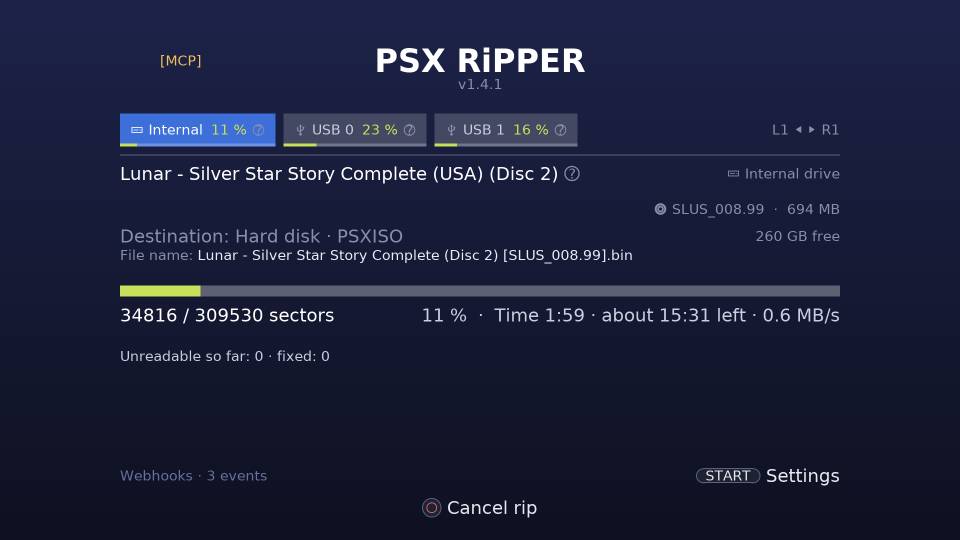
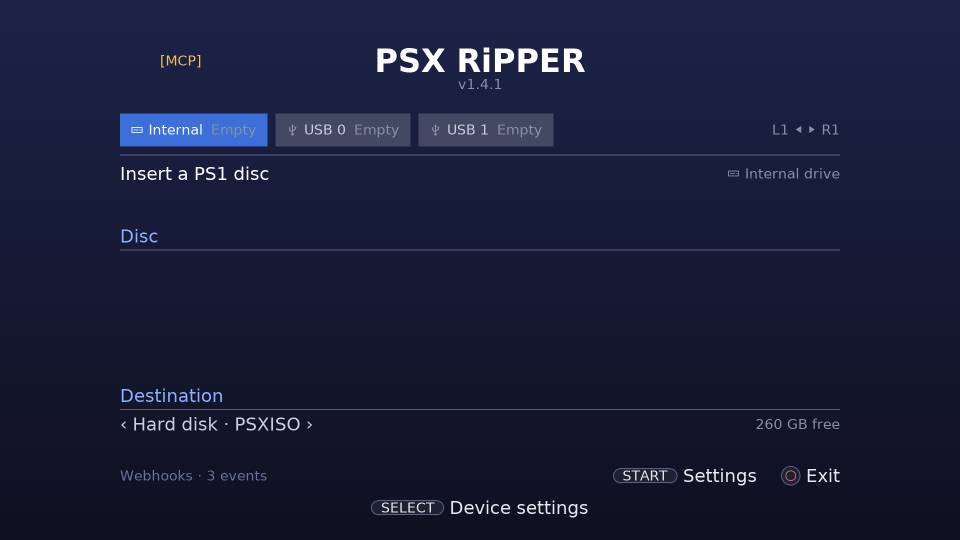
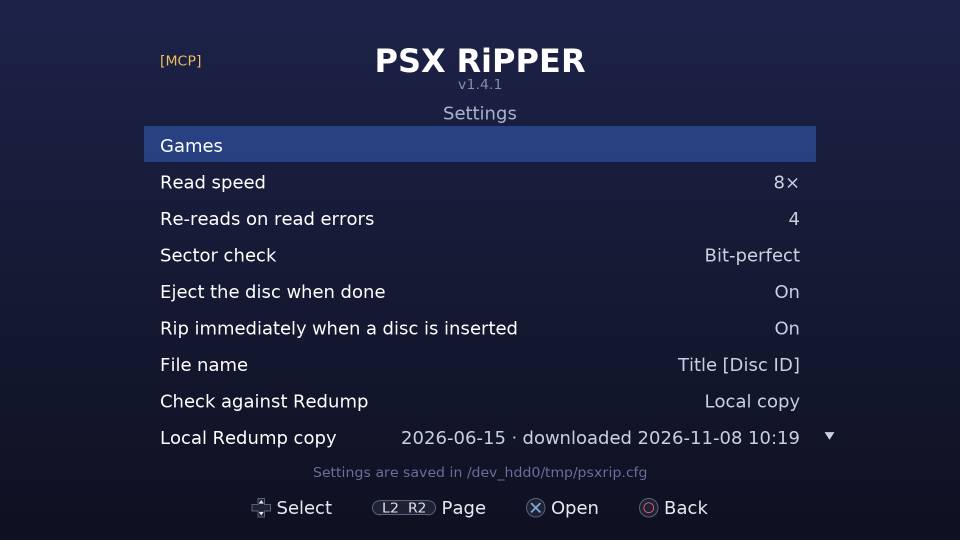
Turn on Rip immediately when a disc is inserted and Eject the disc when done: insert a disc, the rip starts by itself, and the finished disc comes out. Swap and
go again, on up to three drives at once, each with its own settings.
A disc that was already ripped with known errors is repaired instead of ripped again. A
webhook (glossary) can tell your phone when each rip is done or failed, and a disc already in a drive
when the app starts is never ripped by surprise.
autostart · eject · per-drive settings · webhooks
Bit-perfect rips
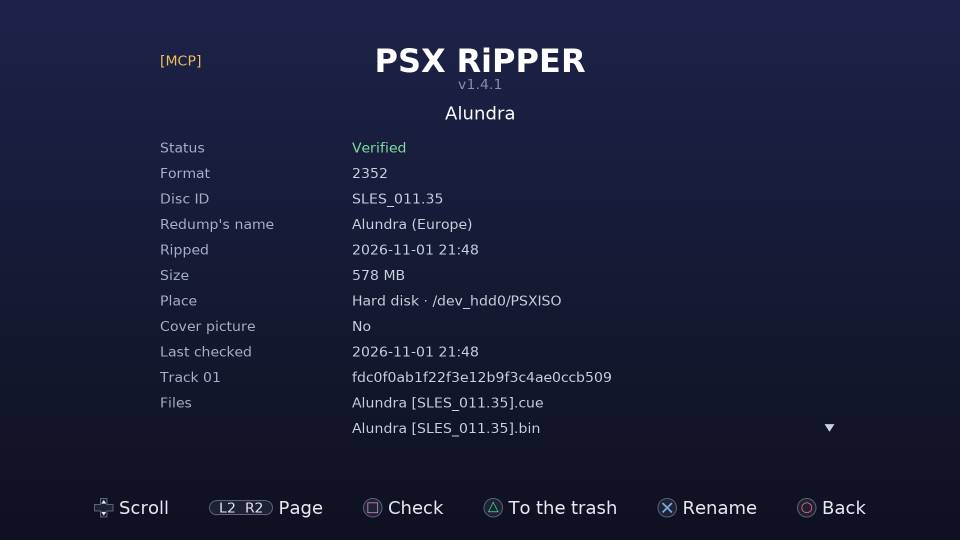
Raw 2352-byte sectors, every track including CD audio, with pregaps (glossary) read from the Q
subchannel (glossary). Every data sector is checked against its EDC/ECC (glossary). Video and sound sectors
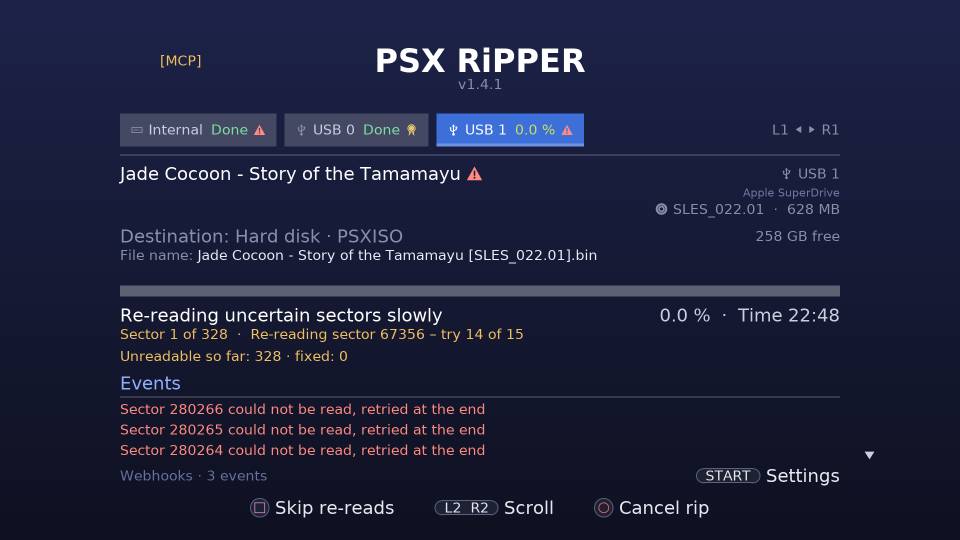
have no checksum, so they are read again and compared. Unreadable sectors are retried
slowly.
Repair re-reads only the sectors the rip log lists, so you
can clean a disc and try again later without a full re-rip. It never makes a rip worse.
name.bin .cue .bin.md5 .bin.log
Redump verification
Every track's MD5 (glossary) is compared with Redump (opens in a new tab), online or
from a local copy of the PlayStation list (about 4 MB, downloaded once from the
app). Discs get Redump's names, and a medal on the drive's tab means the rip is
bit-perfect.
Older rips and images from other tools are checked from the files, without the
disc.
LibCrypt and .sbi
For the PAL (glossary) discs its LibCrypt (glossary) list names (197 serials), the app reads the protection
from the disc's subchannel and writes the .sbi itself:
/dev_hdd0/tmp/sbi/<SERIAL>.sbi, which Cobra reads when the image is
mounted, and <name>.sbi next to the image. Only an original disc
carries this data; a burned copy does not.
Bringing your own? Put it in that folder named after the disc ID,
/dev_hdd0/tmp/sbi/SLES_029.65.sbi, or next to the image with the image's
name. The game list flags LibCrypt games that have neither. No .sbi files
ship with the app.
Rip three discs at once
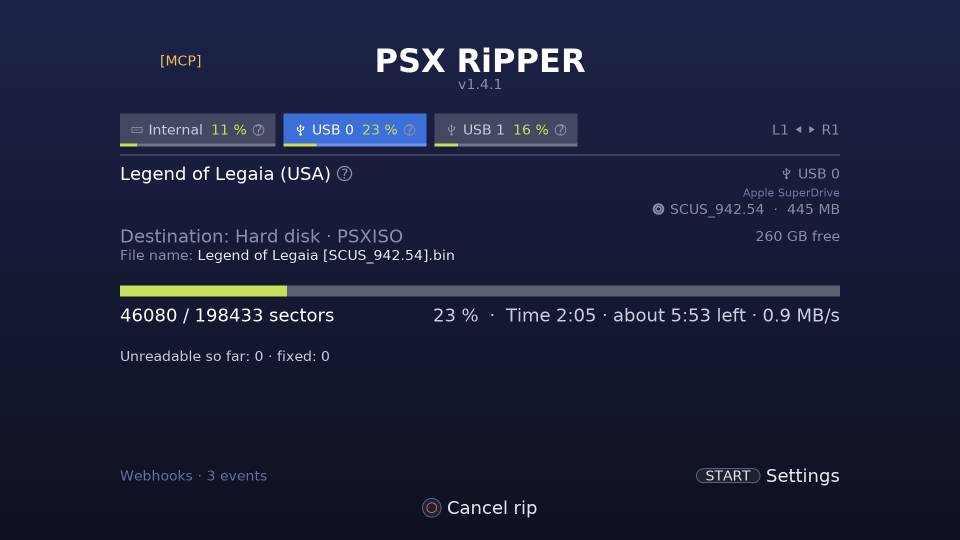
Multi-drive ripping: the PS3's own Blu-ray drive plus up to two Apple USB SuperDrives (A1379, USB ID
05AC:1500), each on its own tab with its own progress, destination and
settings. The PS3 passes no commands to USB optical drives, so the app brings its own USB
driver. The SuperDrives run on the console's USB power, no Y-cable.
Tested bit-perfect against Redump on all three at once.
multi-drive · PS3 Blu-ray + 2× USB SuperDrive · own USB driver
Game list
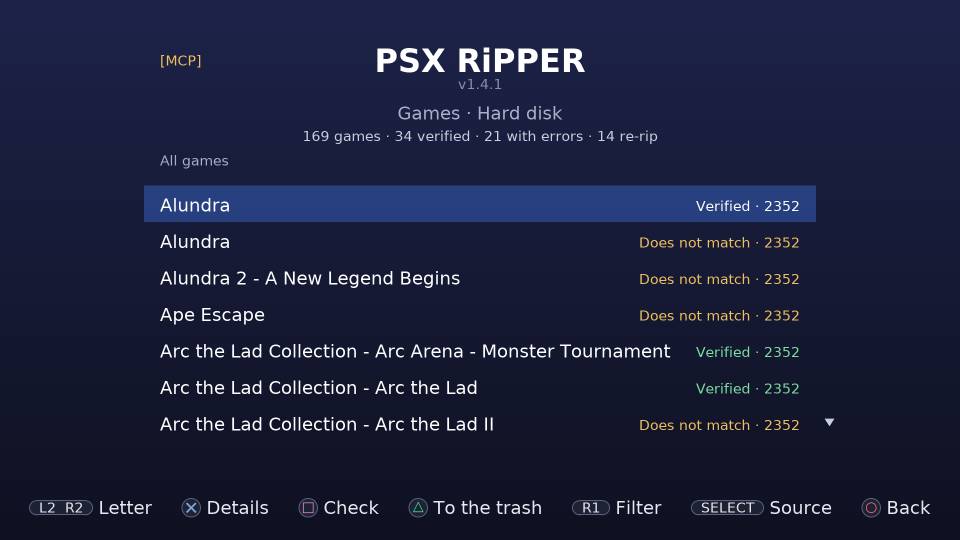
Every .bin/.cue, .iso and .img in the
PSXISO folder of the hard disk or a USB drive, also from other tools, with its
format, errors, Redump status, duplicates and missing .sbi files.
Filter it, check games against Redump, rename a whole set (the .cue's
FILE lines follow) or move it to a trash that deletes nothing until you empty
it.
Audit log with undo
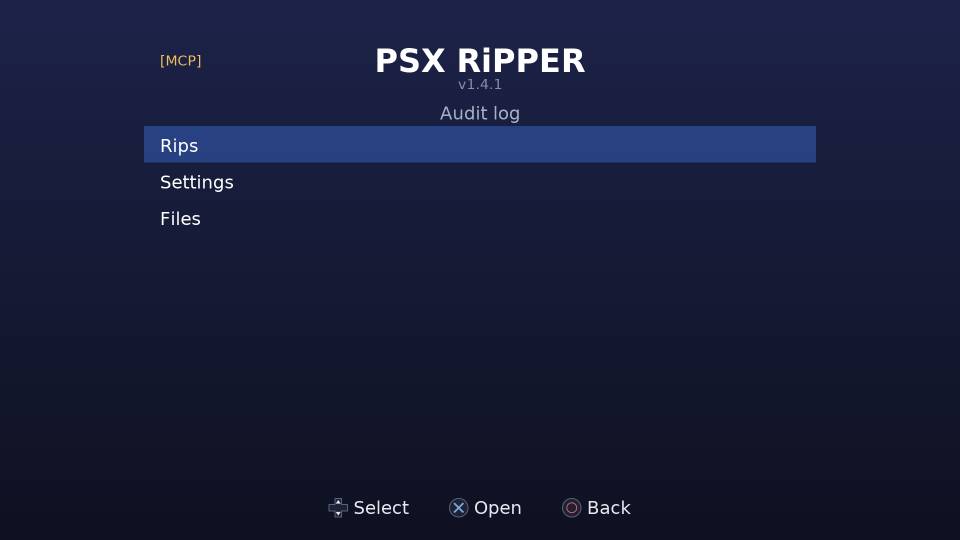
Every rip, repair, check, setting change and file change is logged with what started it:
the console's pad, the remote view, an MCP (glossary) agent or the app itself.
Undo a setting, the sectors a repair wrote, or a rename or move to the trash, and redo it
if you change your mind. Secret values, such as webhook headers, are never stored.
Remote view
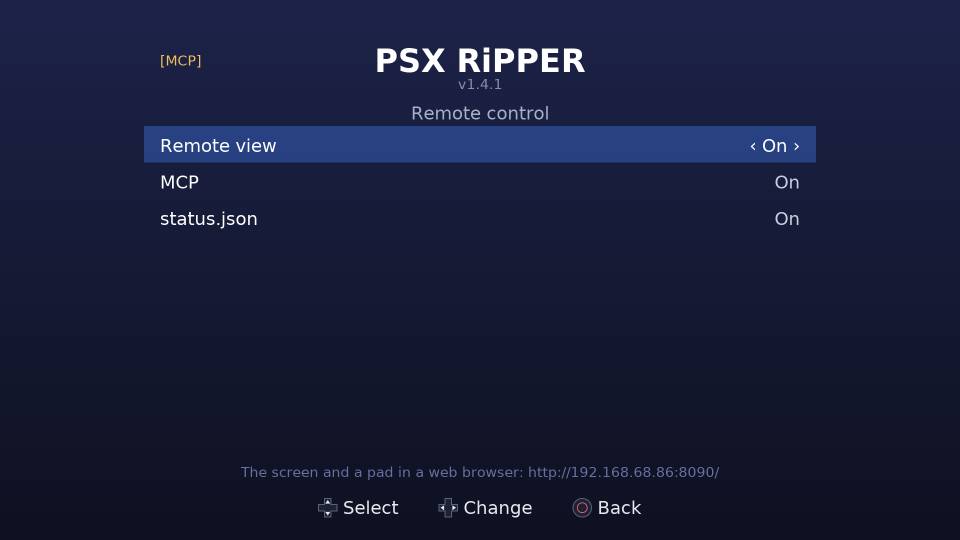
Open http://<ps3>:8090/ on a phone or computer on your network: the
app's screen as an MJPEG stream and a pad whose buttons press the console's. Switch tabs
or start a rip from the sofa.
status.json and webhooks
/status.json gives every drive's state, phase and progress to your scripts.
Webhooks send a JSON POST when a disc is identified, a rip starts, progresses, finishes or
fails, a repair finishes, a disc is ejected or the app starts. Point them at a Home
Assistant automation and get a notification when a rip is done.
[MCP] An MCP server for AI agents
An agent such as Claude Code can run the app over the
Model Context Protocol (opens in a new tab): 34 tools to read
the screen, the drives and the log, start and cancel rips, change settings, check, rename
and trash games, and read and undo the audit log. Each action goes through the same
checks as the pad, and every change lands in the audit log with the source MCP.
It is off by default. While it is on, [MCP] shows at the
left of the title on the console's screen. There is no login, so keep it on your home
network. Every MCP tool, with examples
# use your console's address (Settings → Remote control shows it)
$ claude mcp add --transport http psx-ripper http://192.168.1.50:8090/mcp
The app has its own on-screen UI in English and Swedish, picked from the
system language, and works offline once installed.